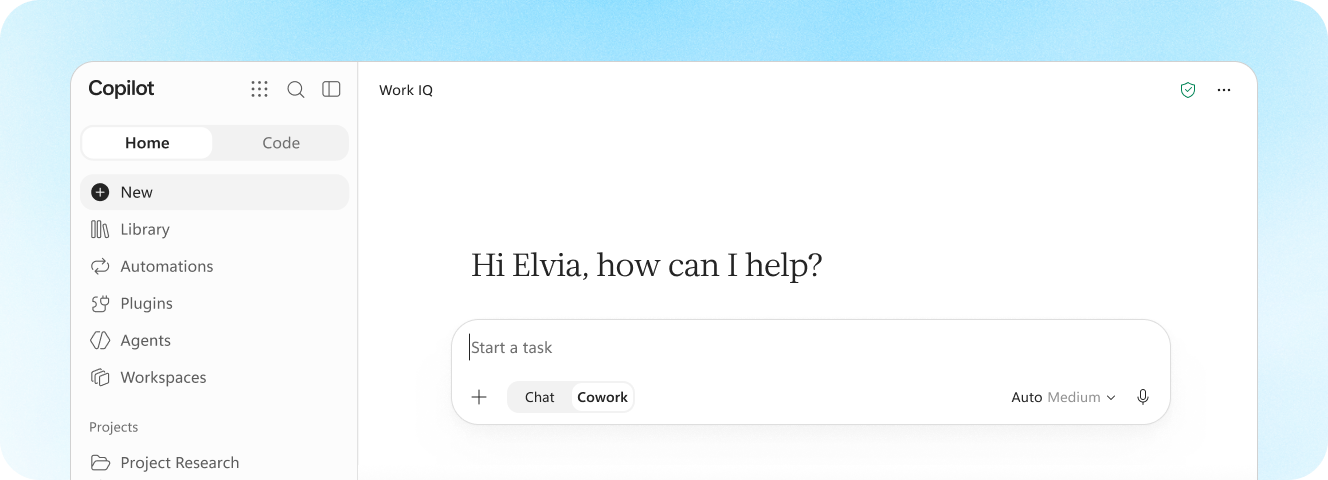
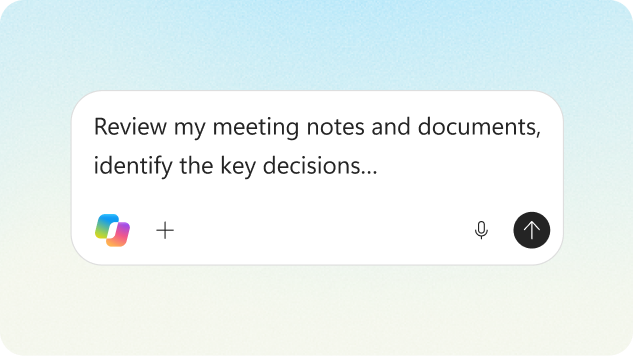
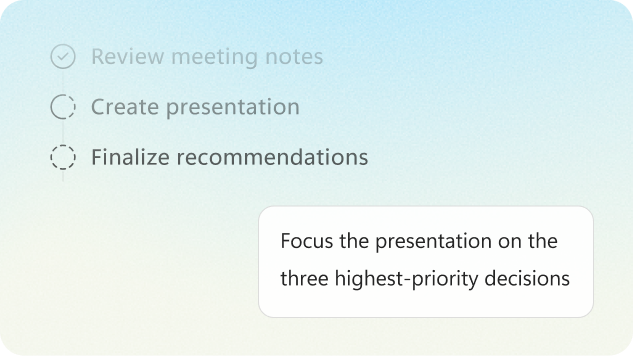
Cowork ഉപയോഗിച്ച് ഒരു സംഭാഷണം പ്രവർത്തനമാക്കി മാറ്റുക. ഒരു ചുമതല ഉപയോഗിച്ച് ആരംഭിക്കുക, ഒരു പ്ലാൻ ഉണ്ടാക്കുക, Microsoft Copilot ഉപയോഗിച്ച് സങ്കീർണ്ണമായ ജോലികളിലൂടെ നീങ്ങുക.
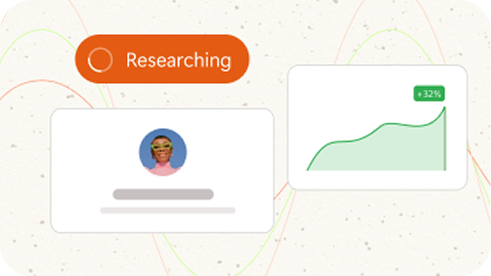
നിങ്ങൾ ആഗ്രഹിക്കുന്ന ഫലവും കുറിപ്പുകൾ, ഫയലുകൾ അല്ലെങ്കിൽ മുൻഗണനകൾ പോലുള്ള പ്രസക്തമായ സന്ദർഭവും പങ്കിടുക.
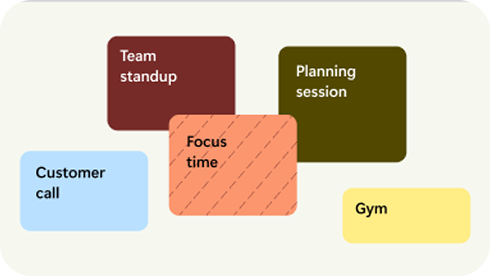
ജോലി പിന്തുടരുക
പുരോഗതി അവലോകനം ചെയ്യുകയും ജോലി രൂപപ്പെടുമ്പോൾ ദിശാസൂചന നൽകുകയും ചെയ്യുക.
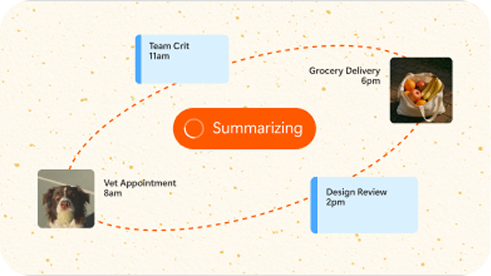
ഫലങ്ങൾ അവലോകനം ചെയ്യുകയും ഉപയോഗിക്കുകയും ചെയ്യുക
ഔട്ട്പുട്ടുകൾ പരിശോധിക്കുക, തുറന്ന ചോദ്യങ്ങൾ പരിഹരിക്കുക, അവ ഉപയോഗിക്കുന്നതിനോ പങ്കിടുന്നതിനോ മുമ്പ് എന്തെങ്കിലും മാറ്റങ്ങൾ വരുത്തുക.
Cowork-നെ കുറിച്ചുള്ള ചോദ്യങ്ങൾ?
ചുരുക്കുക
Cowork helps with multi-step tasks, such as preparing meeting materials, organizing research, and planning a project. Start with a clear outcome and relevant context. The examples above illustrate possible requests, not guaranteed results.
വിപുലീകരിക്കുക
Copilot Chat is designed for conversations and everyday requests, like getting answers, creating content, and helping with individual tasks. Cowork is designed for more complex, multi-step work that can develop over time, while you follow progress, provide direction, and review the results.
വിപുലീകരിക്കുക
For work, sign in with your work account and check availability through your organization. For personal use, check eligible Microsoft 365 plans and availability in your market. Availability depends on your account, subscription, and market.
വിപുലീകരിക്കുക
നിങ്ങളുടെ Cowork അനുഭവത്തിൽ ലഭ്യമായ ഫയൽ, കണക്ഷൻ ഓപ്ഷനുകൾ ഉപയോഗിക്കുക. നിങ്ങൾക്ക് ഉപയോഗിക്കാൻ കഴിയുന്ന ഉറവിടങ്ങൾ നിങ്ങളുടെ അക്കൗണ്ടിനെയും നിങ്ങൾക്ക് ലഭ്യമായ കണക്ഷനുകളെയും ആശ്രയിച്ചിരിക്കുന്നു; എല്ലാ അപ്ലിക്കേഷനുകളും ഫയലുകളും പിന്തുണയ്ക്കുന്നില്ല.
വിപുലീകരിക്കുക
അതെ. ഉപയോഗ പരിധികൾ ബാധകമാണ്, ഇത് നിങ്ങളുടെ അക്കൗണ്ടിനെയും സബ് സ് ക്രിപ്ഷനെയും ആശ്രയിച്ചിരിക്കുന്നു. നിങ്ങളുടെ അക്കൗണ്ടിനോ പ്ലാനിനോ ലഭ്യമായ ഉപയോഗ വിവരങ്ങൾ പരിശോധിക്കുക.