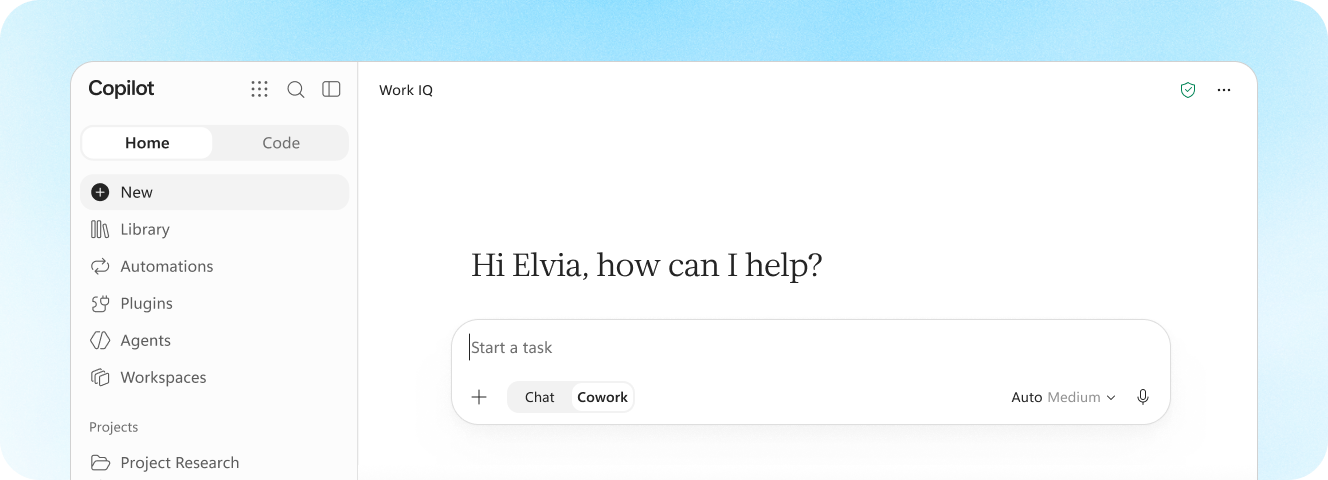
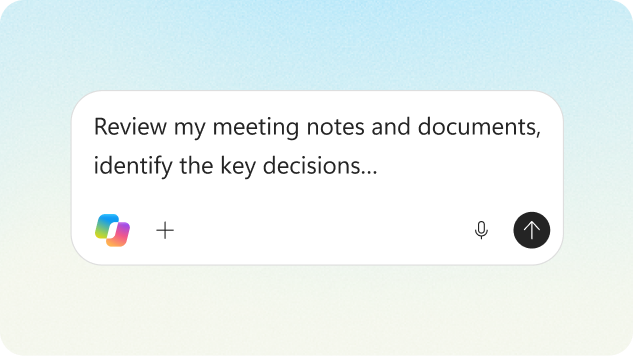
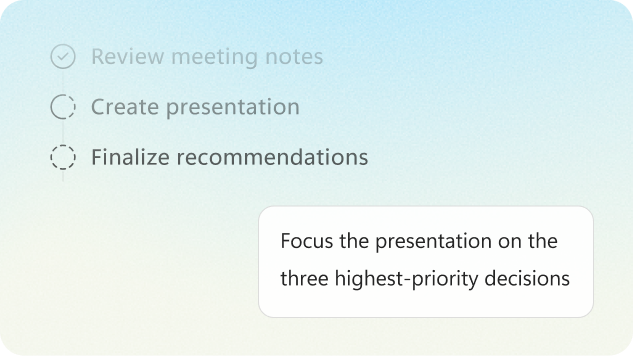
Cowork-এর সাথে একটি কথোপকথনকে কার্যে পরিণত করুন। একটি কাজ দিয়ে শুরু করুন, একটি পরিকল্পনা তৈরি করুন এবং Microsoft Copilot সহায়তায় জটিল কাজগুলি সম্পন্ন করুন।
আপনি যে ফলাফলটি চান এবং তার প্রাসঙ্গিক প্রসঙ্গ যেমন নোট, ফাইল বা পছন্দসমূহ অংশীদারী করুন।
কাজটি অনুসরণ করুন
অগ্রগতি পর্যালোচনা করুন এবং কাজটি আকার নেওয়ার সাথে সাথে দিকনির্দেশনা দিন।
ফলাফল পর্যালোচনা এবং ব্যবহার করুন
আউটপুটগুলি চেক করুন, খোলা প্রশ্নগুলির সমাধান করুন এবং সেগুলি ব্যবহার বা অংশীদারী করার আগে যে কোনো পরিবর্তন করুন।
Cowork সম্পর্কে প্রশ্নাবলী?
সংকোচন করা
Cowork helps with multi-step tasks, such as preparing meeting materials, organizing research, and planning a project. Start with a clear outcome and relevant context. The examples above illustrate possible requests, not guaranteed results.
প্রসারণ করা
Copilot Chat is designed for conversations and everyday requests, like getting answers, creating content, and helping with individual tasks. Cowork is designed for more complex, multi-step work that can develop over time, while you follow progress, provide direction, and review the results.
প্রসারণ করা
For work, sign in with your work account and check availability through your organization. For personal use, check eligible Microsoft 365 plans and availability in your market. Availability depends on your account, subscription, and market.
প্রসারণ করা
Use the file and connection options available in your Cowork experience. The sources you can use depend on your account and the connections available to you; not every app or file is supported.
প্রসারণ করা
হ্যাঁ। ব্যবহারের সীমা প্রযোজ্য এবং আপনার অ্যাকাউন্ট এবং সদস্যতার উপর নির্ভর করে। আপনার অ্যাকাউন্ট বা পরিকল্পনার জন্য উপলভ্য ব্যবহারের তথ্য চেক করুন।